
Streaming optimization
Make The Stream Fit The Game
Control the technical details that matter when you are recording gameplay, streaming to multiple platforms, or delivering sponsored coverage.
Stream settings
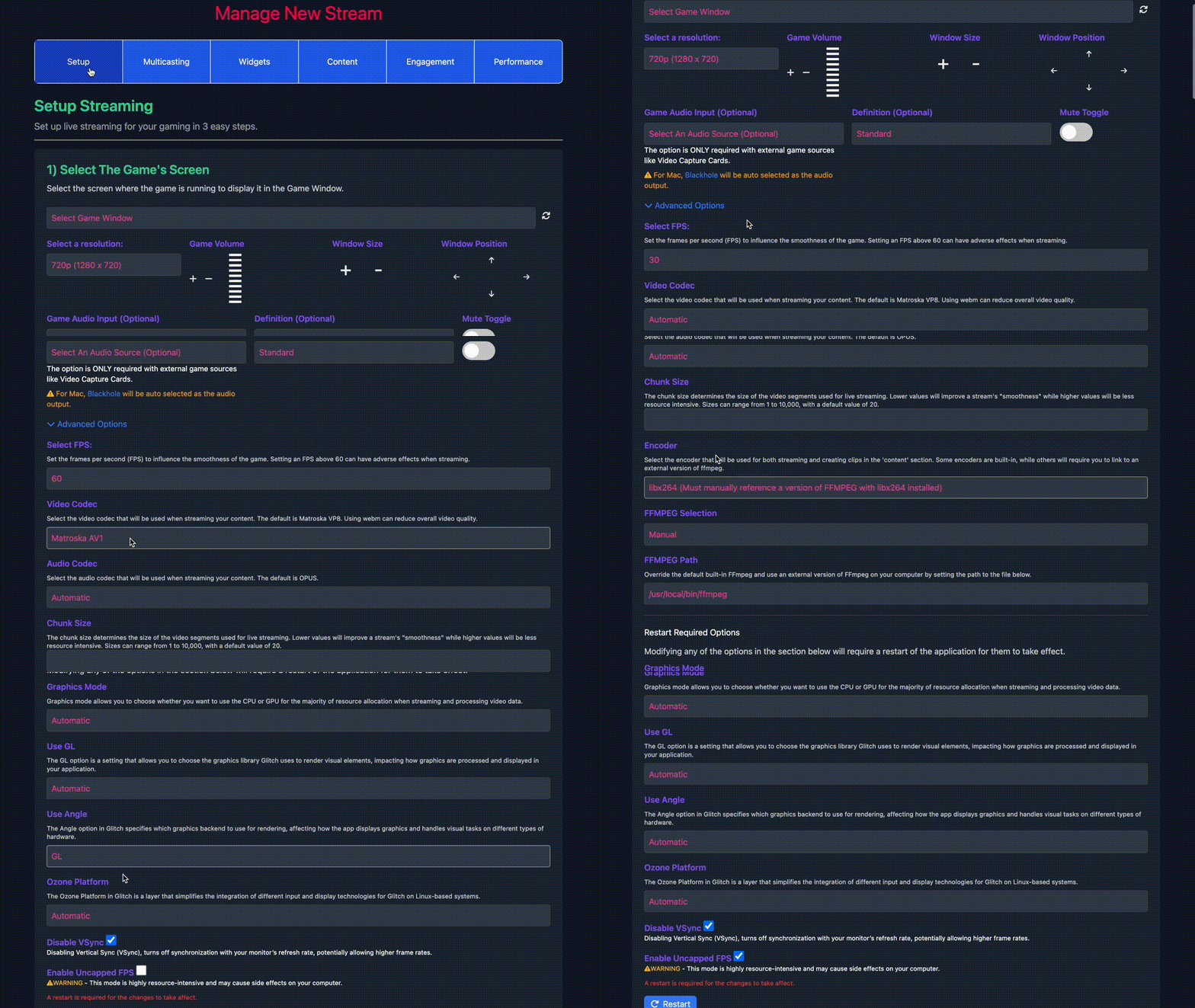
Set resolution, FPS, quality, encoder, audio, and resource usage from one control surface.
Gameplay feel
Monitor utilization so capture does not take over the machine during a sponsored stream.
Format fit
Use codecs and graphics options that match the platform, game, and recording workflow.

Resolution
Choose practical stream sizes from 720p through high-resolution capture.
Frame Rate
Tune FPS for smoother gameplay or lower system load.
Quality
Balance sharper video with the upload speed and device you actually have.

Encoders
Select the encoder that best fits your machine and stream destination.

GPU Or CPU
Move work to the GPU or CPU depending on the game and hardware.

Audio
Keep voice and game audio configured for the platform and recording.
Controls
Set the stream around your machine, not the other way around
Tune resolution, FPS, encoder, quality, audio, and graphics options so the stream fits your game, hardware, and upload bandwidth.
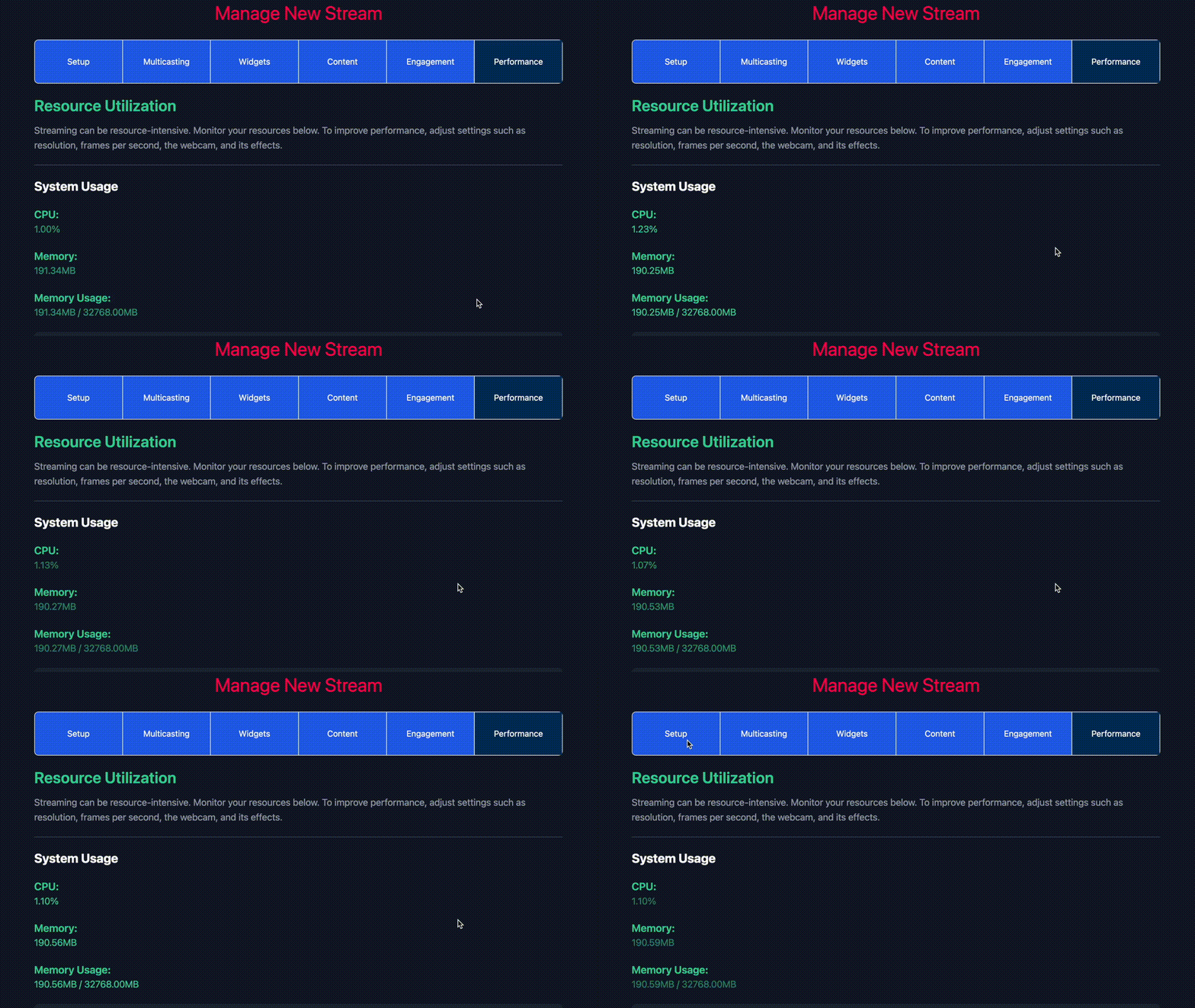
Performance
Keep more resources available for the game
Monitor utilization while you stream and lower costly settings before they hurt gameplay, audio, or creator output.
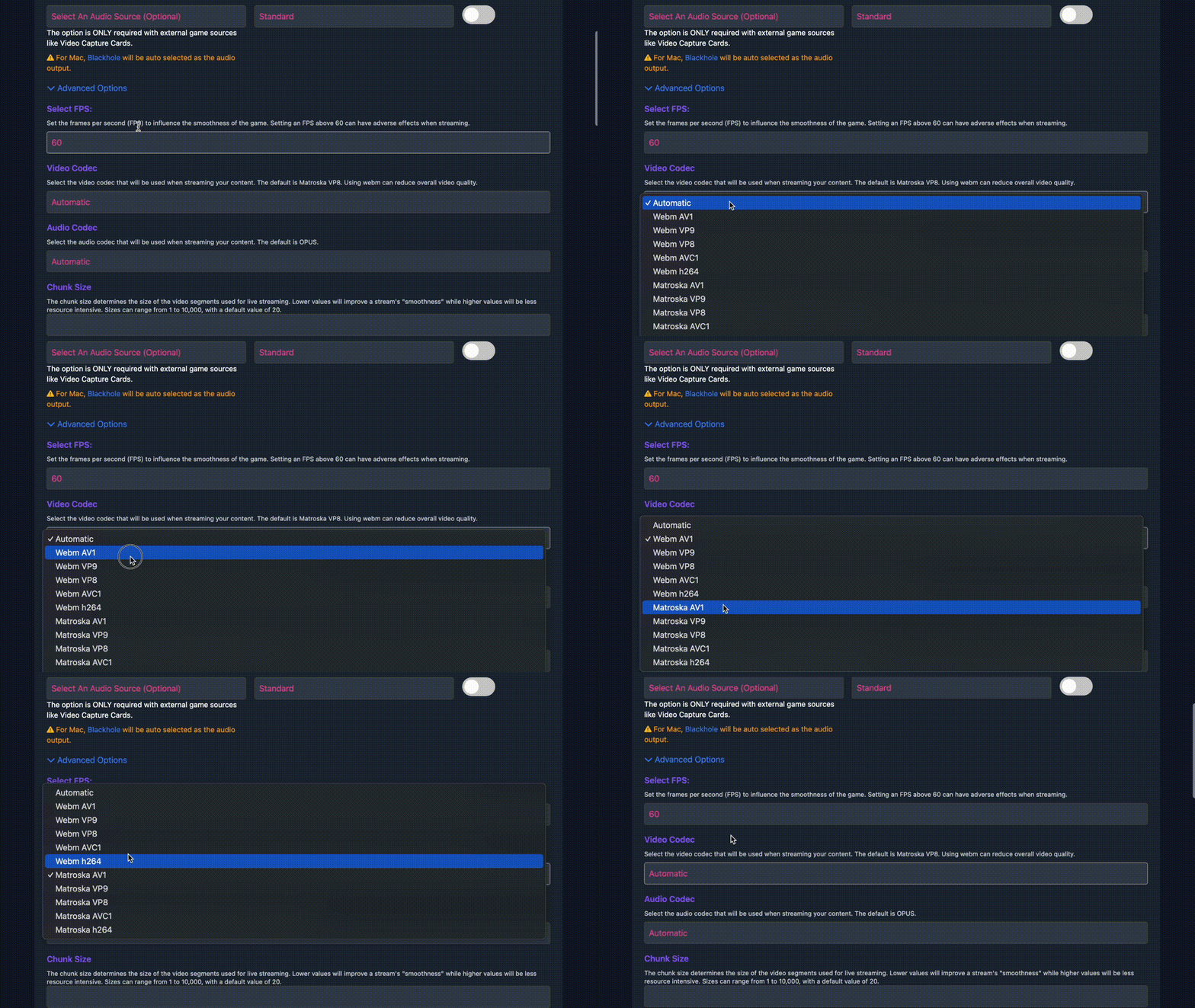
Codec choices
Export and stream with the right codec
Different platforms and review workflows need different file formats. Glitch keeps codec controls available when you need them.
Graphics compatibility
Use graphics layers that match the game
When a game or system setup needs a different rendering path, adjust graphics options instead of losing time outside the app.
For serious creator sessions
Keep performance settings close to the stream.
Glitch gives creators practical controls without sending them through a separate production stack.
Learn More About Creator Opportunities
Download Glitch Gaming Studio
Play Glitch games directly from your desktop, stream them, record sessions, and turn gameplay into clips.
Latest release: checking GitHub latest - Windows and Linux builds are active for this deployment.


Linux
Use AppImage for most desktops, or grab the Debian package for managed installs.