- The Gaming Experience That Pays
Desktop app for players and creators
Glitch Gaming Studio
Play Glitch games directly, stream or record the session, and turn gameplay into clips from one desktop app.
Download For Windows & LinuxBuilt for the whole game loop
The desktop app is no longer just a streaming utility. It is where players, play testers, and creators launch games and capture what happens next.
Players
Browse your Glitch library, launch protected games in the desktop app, and keep your progress in one place.
Streamers
Go live to Twitch, YouTube, TikTok, Kick, custom RTMP, and more from the same game session.
Creators
Record play tests, make clips, submit campaign content, and share posts without switching tools.
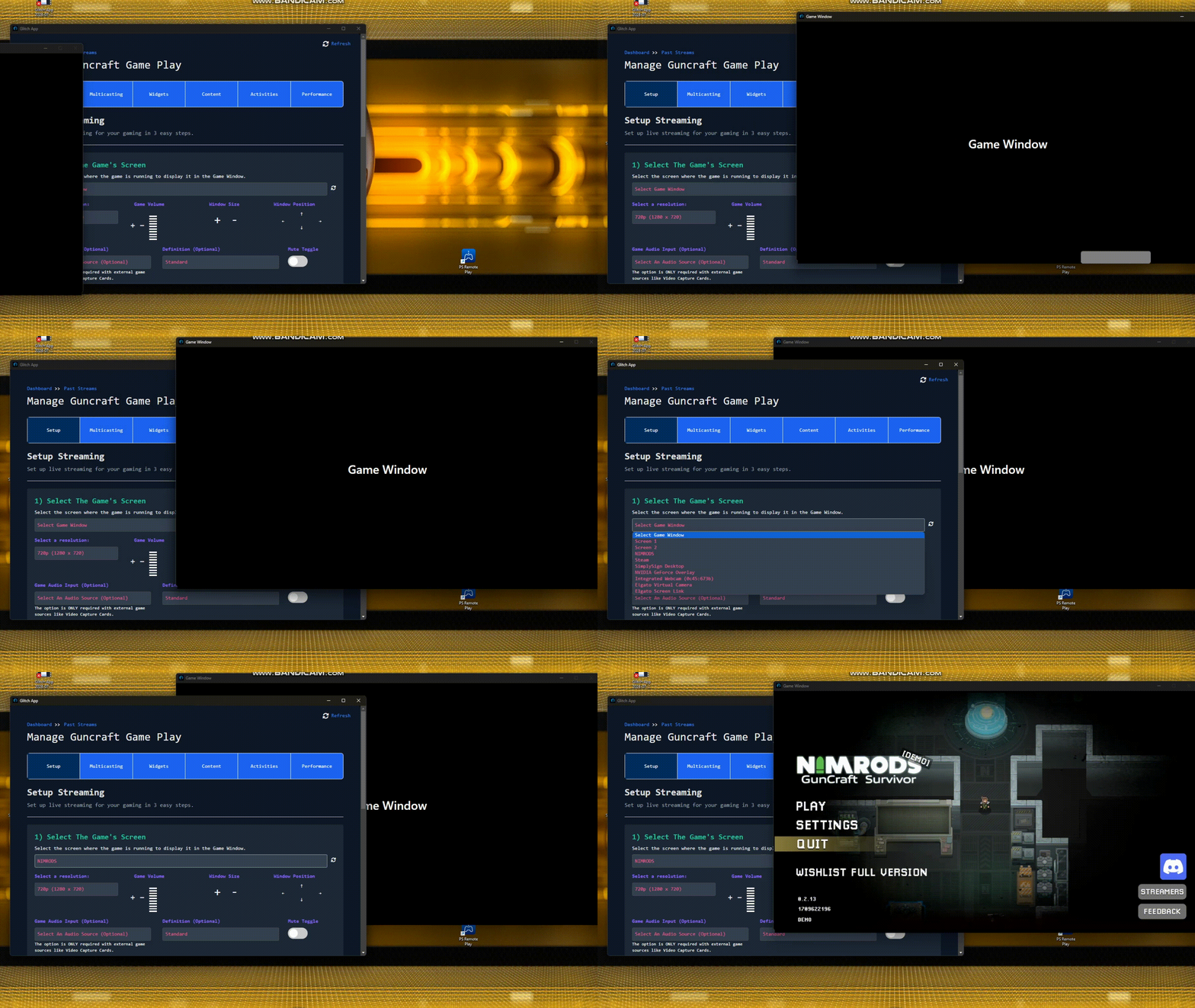
Play games directly in the desktop app
Open supported Glitch games in a native desktop player with protected sessions, trial and rental checks, gamepad support, fullscreen play, and cached game assets for faster repeat launches.
Play Glitch games directly in a protected desktop window.
Record or stream the game window without choosing a screen source.
Cut highlights, edit clips, and publish them to social channels.
Stream when you want to go live
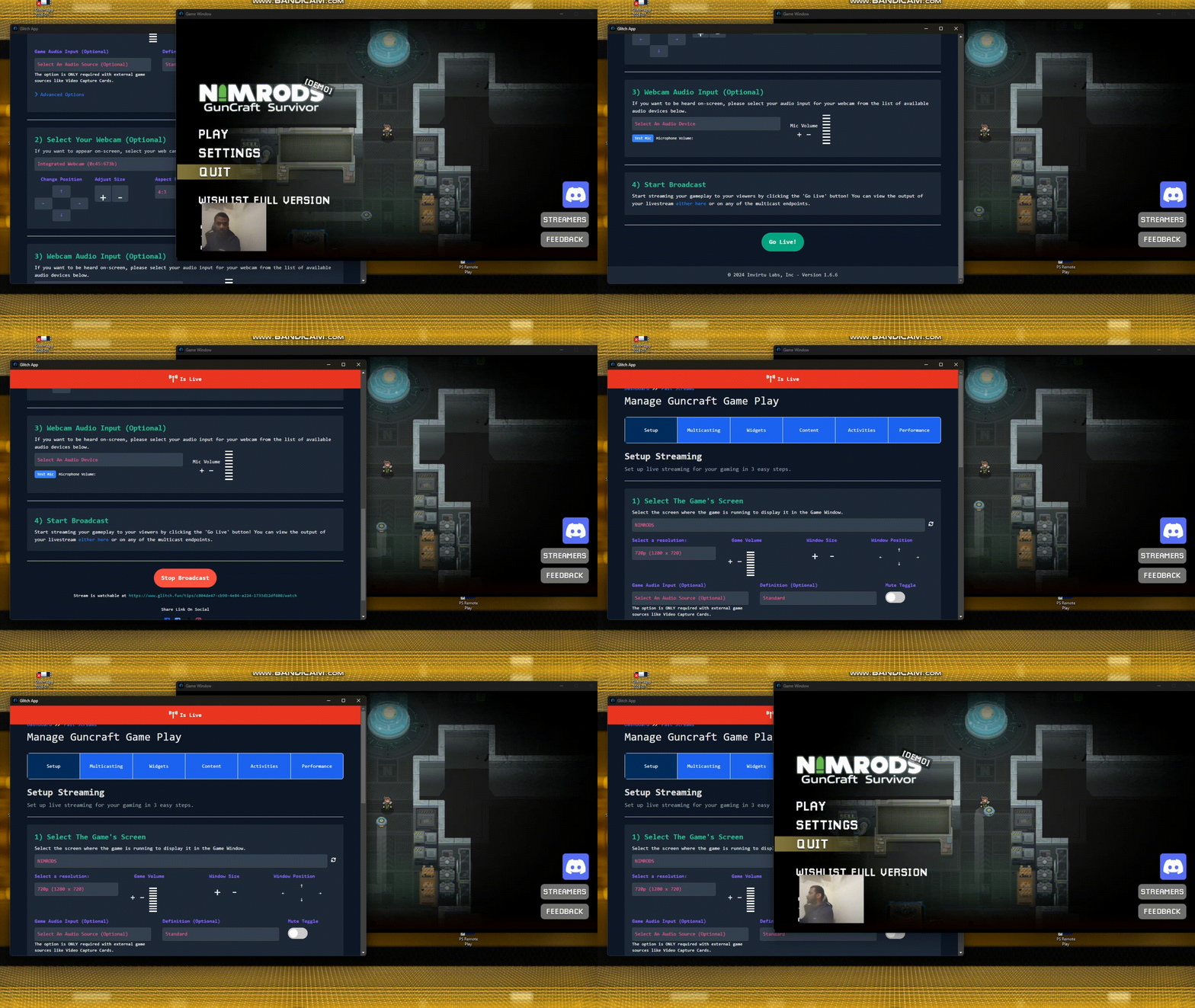
Start from the game you are already playing, add your webcam and overlays, then broadcast to one platform or several at once.
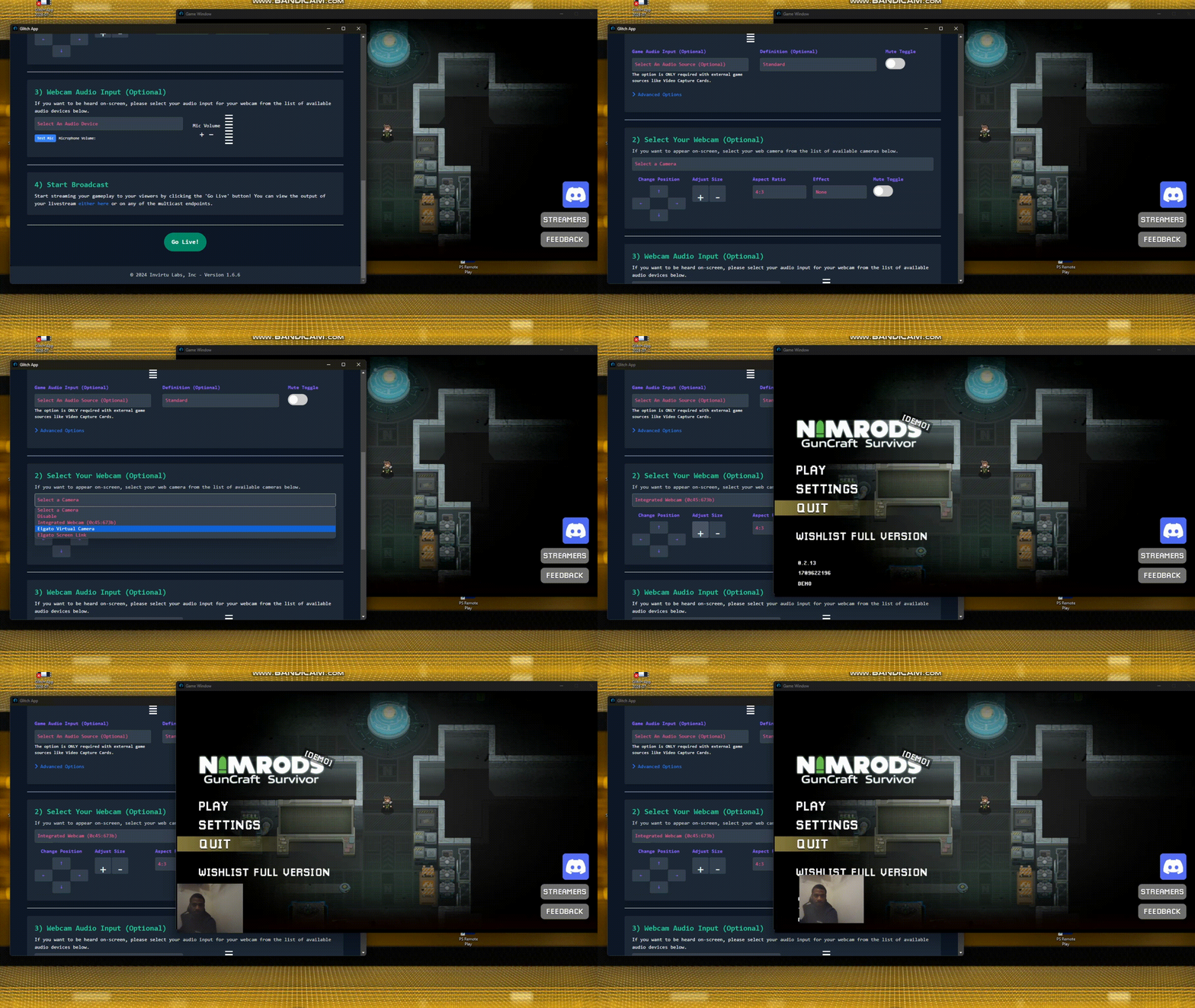
Camera and overlays
Add your camera, StreamElements widgets, alerts, layers, and chat.
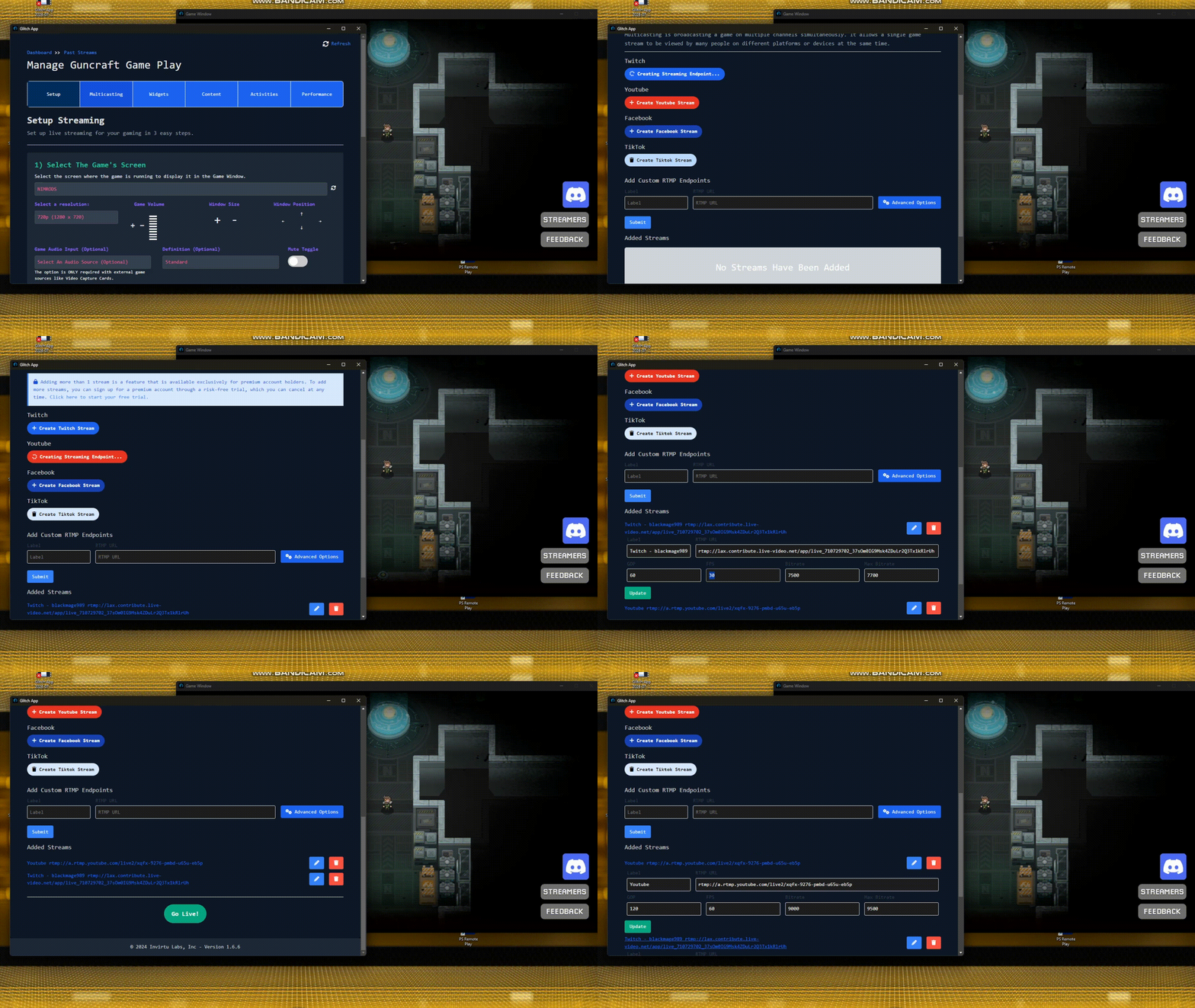
Multistreaming
Send one session to Twitch, YouTube, TikTok, Kick, and custom RTMP.
Fast setup
Pick a game, choose destinations, and start broadcasting.




Record, edit, and publish clips
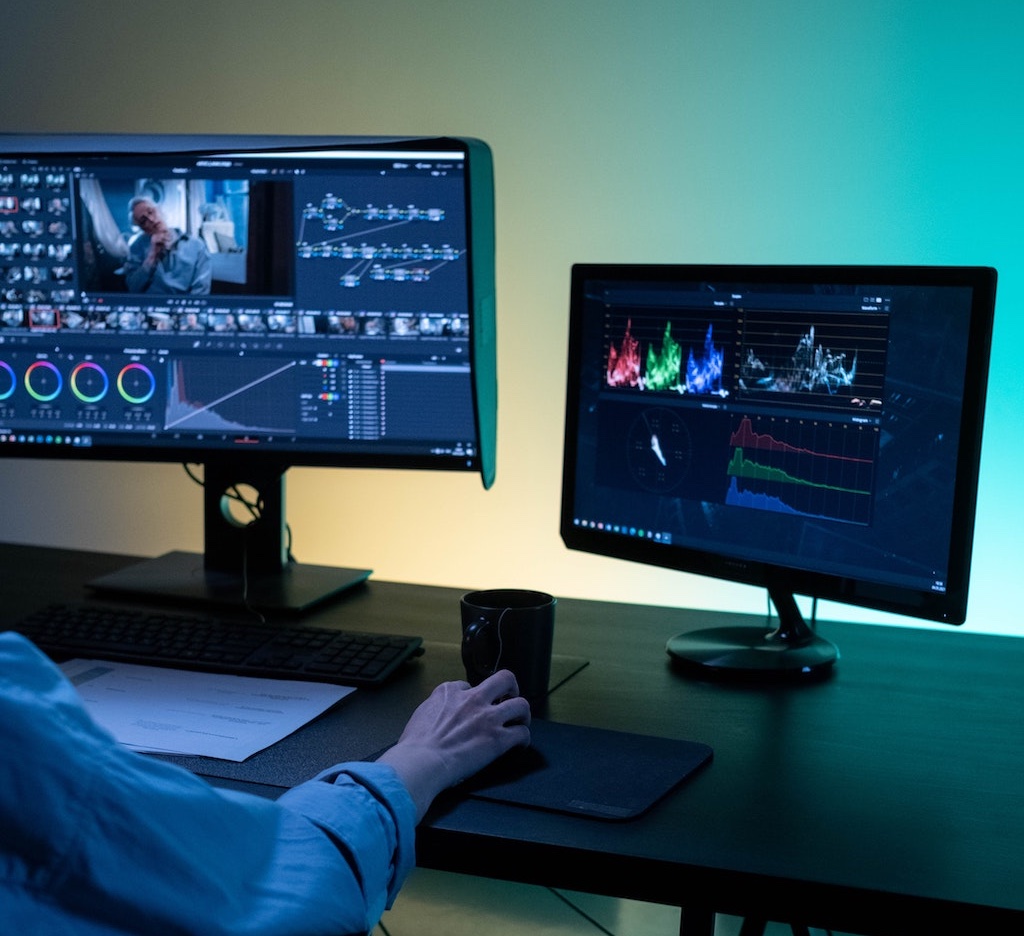
Save local recordings from game sessions, cut highlights, add text, voice-over, speed changes, transitions, and export social-ready clips.
- Record gameplay without storage fees.
- Make clips from streams, recordings, and play tests.
- Publish to TikTok, Reddit, YouTube, Facebook, Instagram, and more.
Everything needed after pressing play
The same desktop app supports game access, creator campaigns, live production, and post-production.
Protected game launches
Play eligible Glitch games inside the desktop app.
Game-only capture
Record or stream only the game pixels, not your whole screen.
Creator context
Attach play test or campaign context when recording and streaming.
AI co-host
Bring an assistant into your stream workflow.
Social posting
Move clips into social publishing without leaving Glitch.
Performance controls
Tune capture, FPS, and diagnostics for your machine.
Download Glitch Gaming Studio
Play Glitch games directly from your desktop, stream them, record sessions, and turn gameplay into clips.
Latest release: checking GitHub latest - Windows and Linux builds are active for this deployment.

Linux
Use AppImage for most desktops, or grab the Debian package for managed installs.