
Creator streaming tools
Streaming Tools Built For Game Creators
Capture gameplay, add creator widgets, manage co-hosts, and turn livestream moments into campaign-ready content from the desktop app.
Gameplay first
Start from the game window, then layer in production tools only when the stream needs them.
Built-in widgets
Co-hosts, layouts, sound effects, webpages, and on-screen assets live in the same workflow.
Campaign tracking
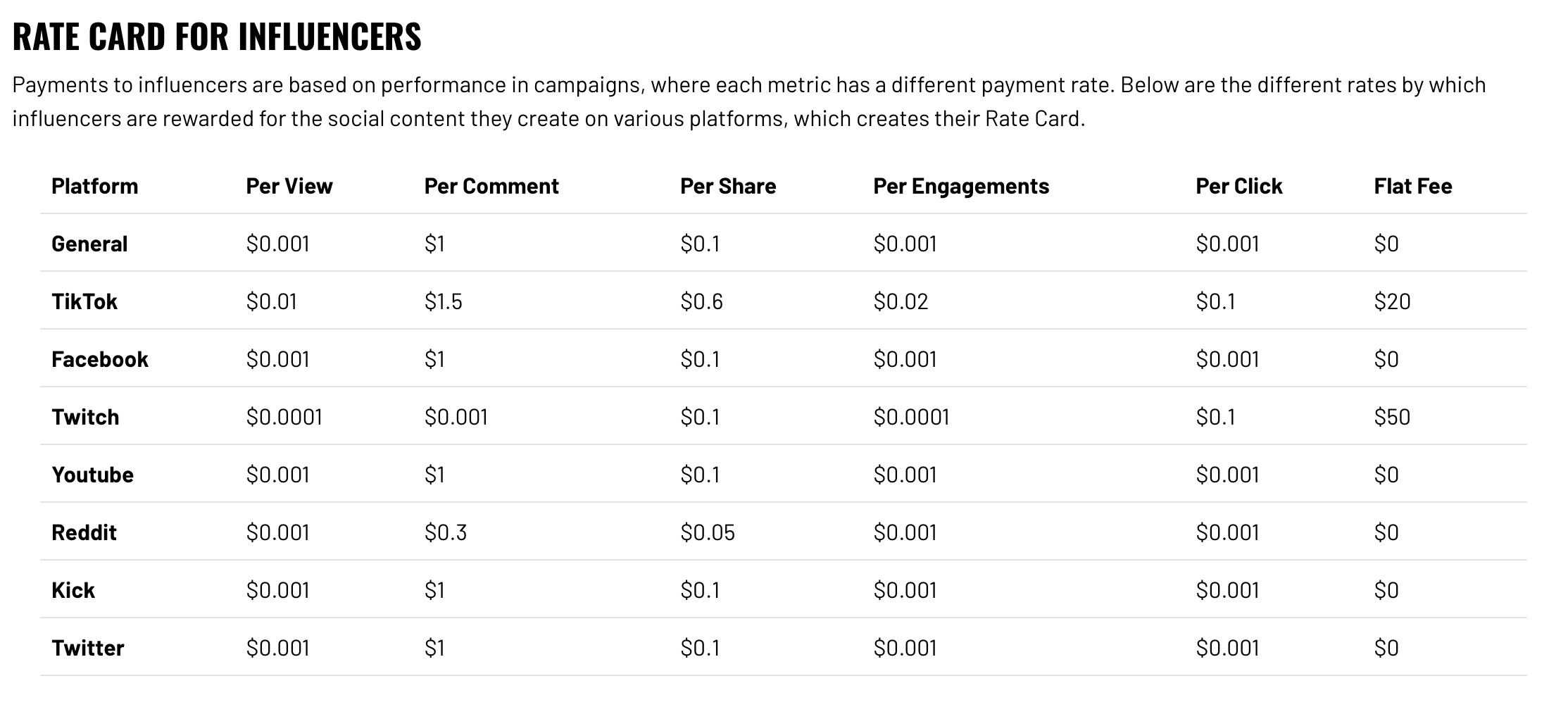
Streams can connect to links, tips, and performance payouts when you are working with brands.
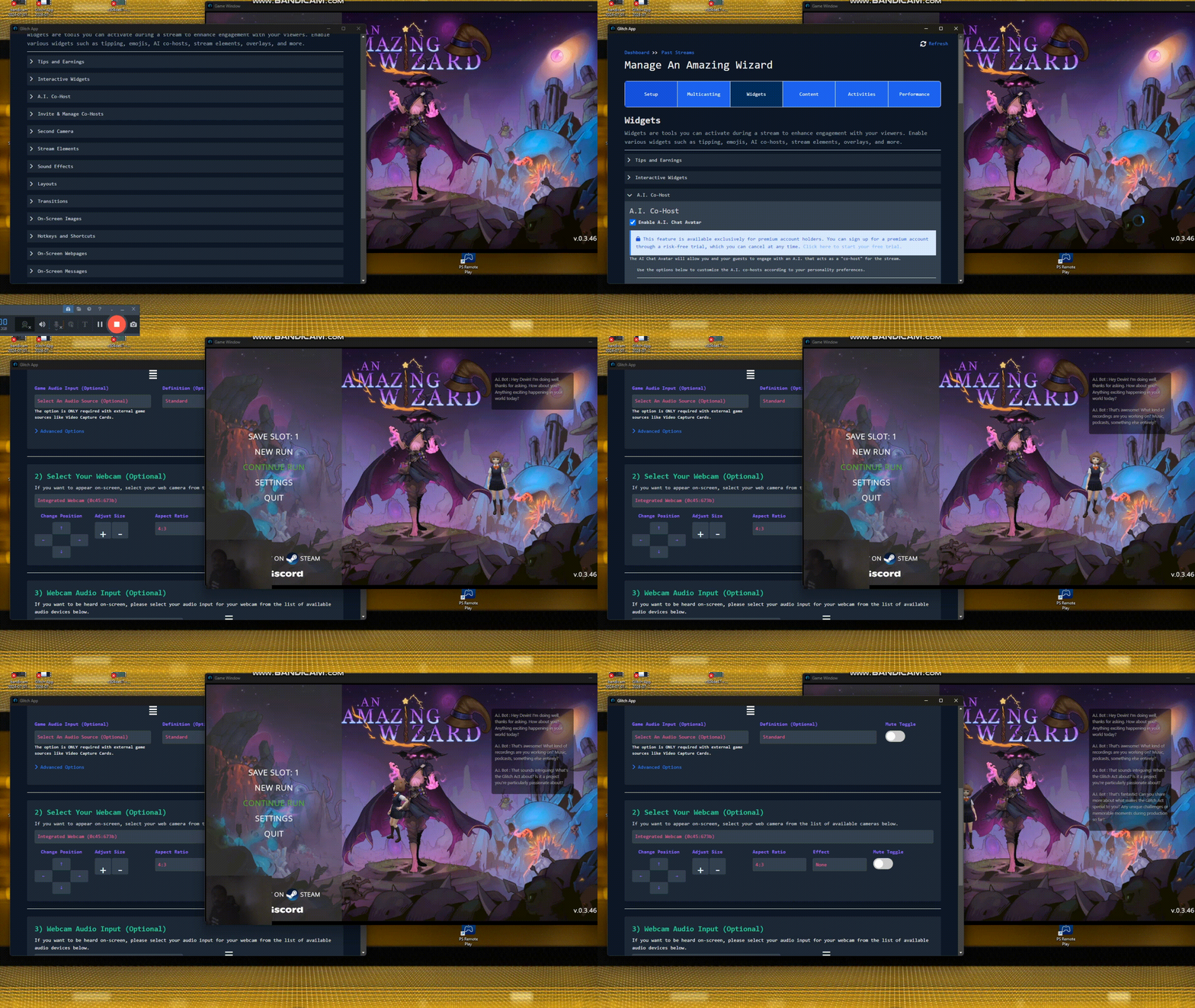
Interactive streams
Run AI and real co-host moments from the same app
Use Glitch widgets to bring in AI co-host prompts, manage live co-hosts, and keep your gameplay capture in one focused creator workflow.
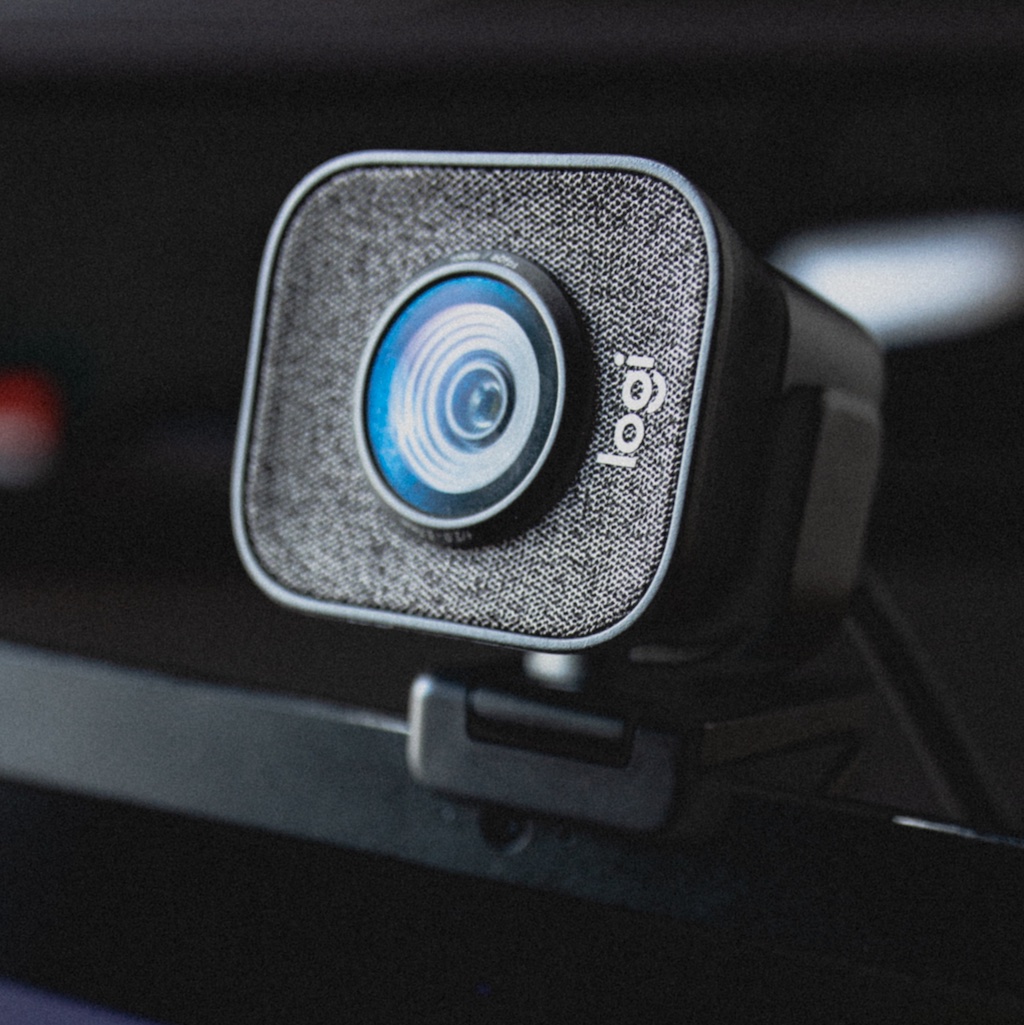
Camera setup
Give streams more than one angle
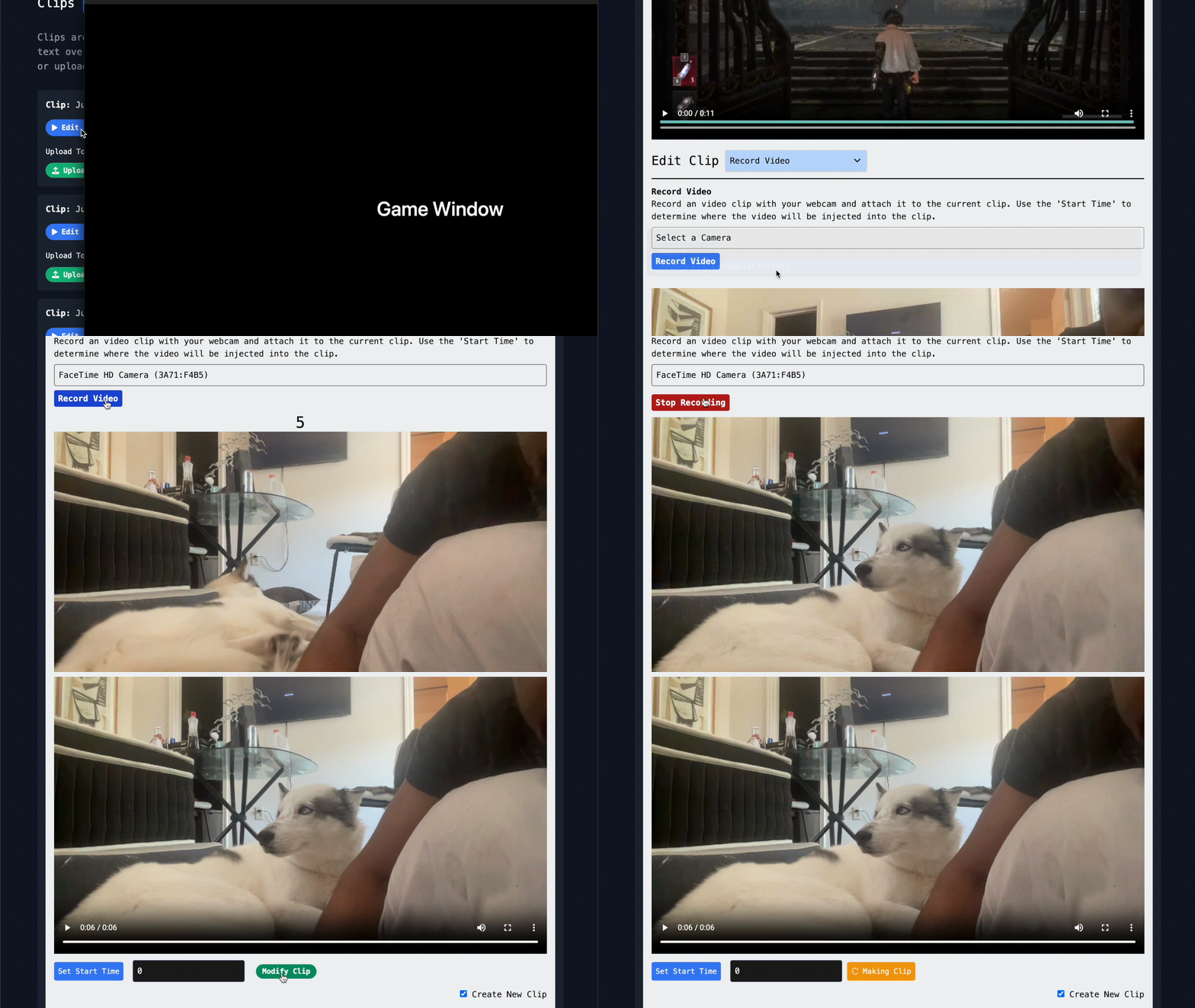
Add a webcam or second camera when a campaign needs more personality, a desk shot, or a cleaner talking segment between gameplay clips.
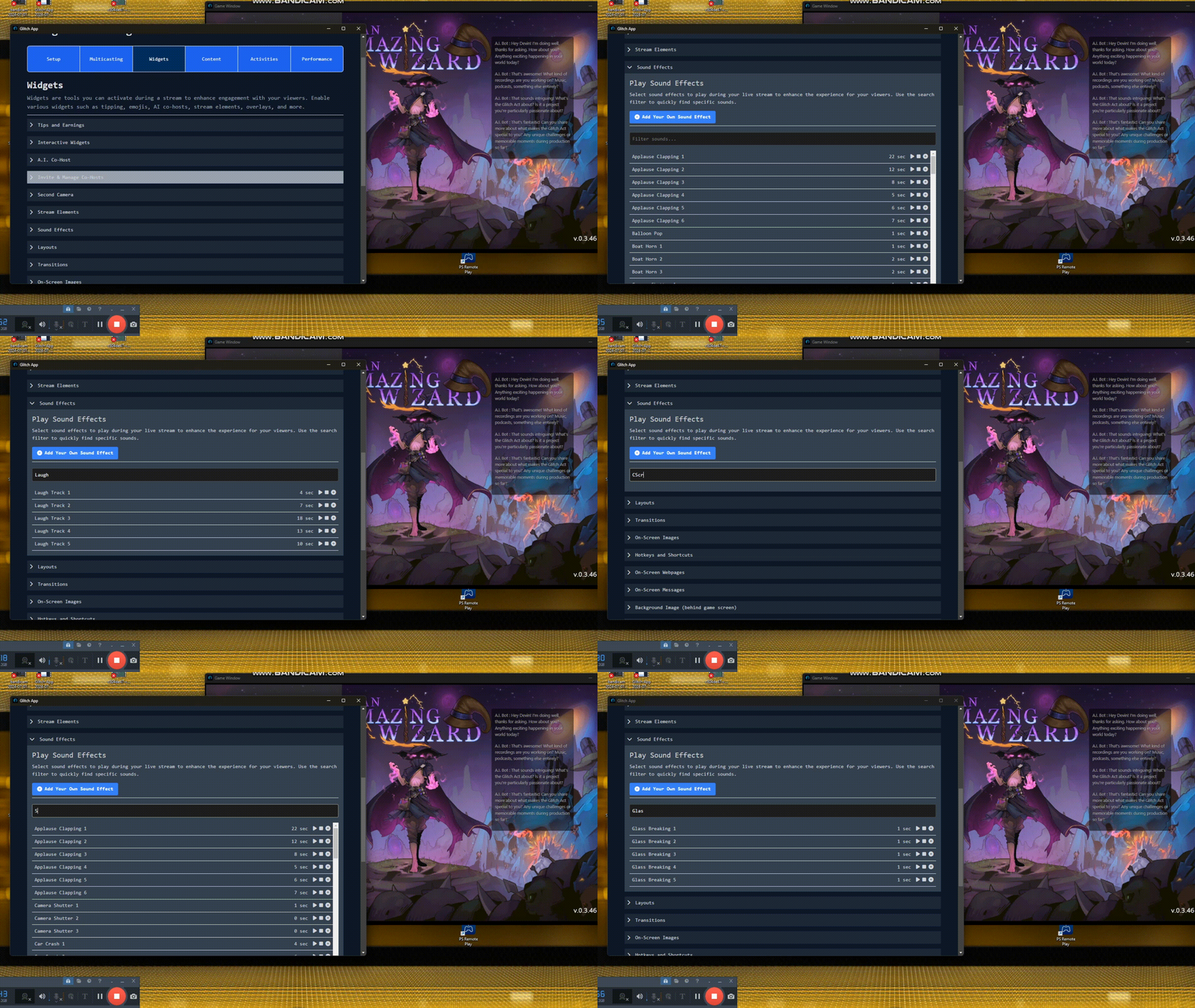
Live production
Sound effects, layouts, and transitions stay close
Trigger sound effects, switch layouts, and add transitions without leaving the recording flow or rebuilding your setup in another tool.
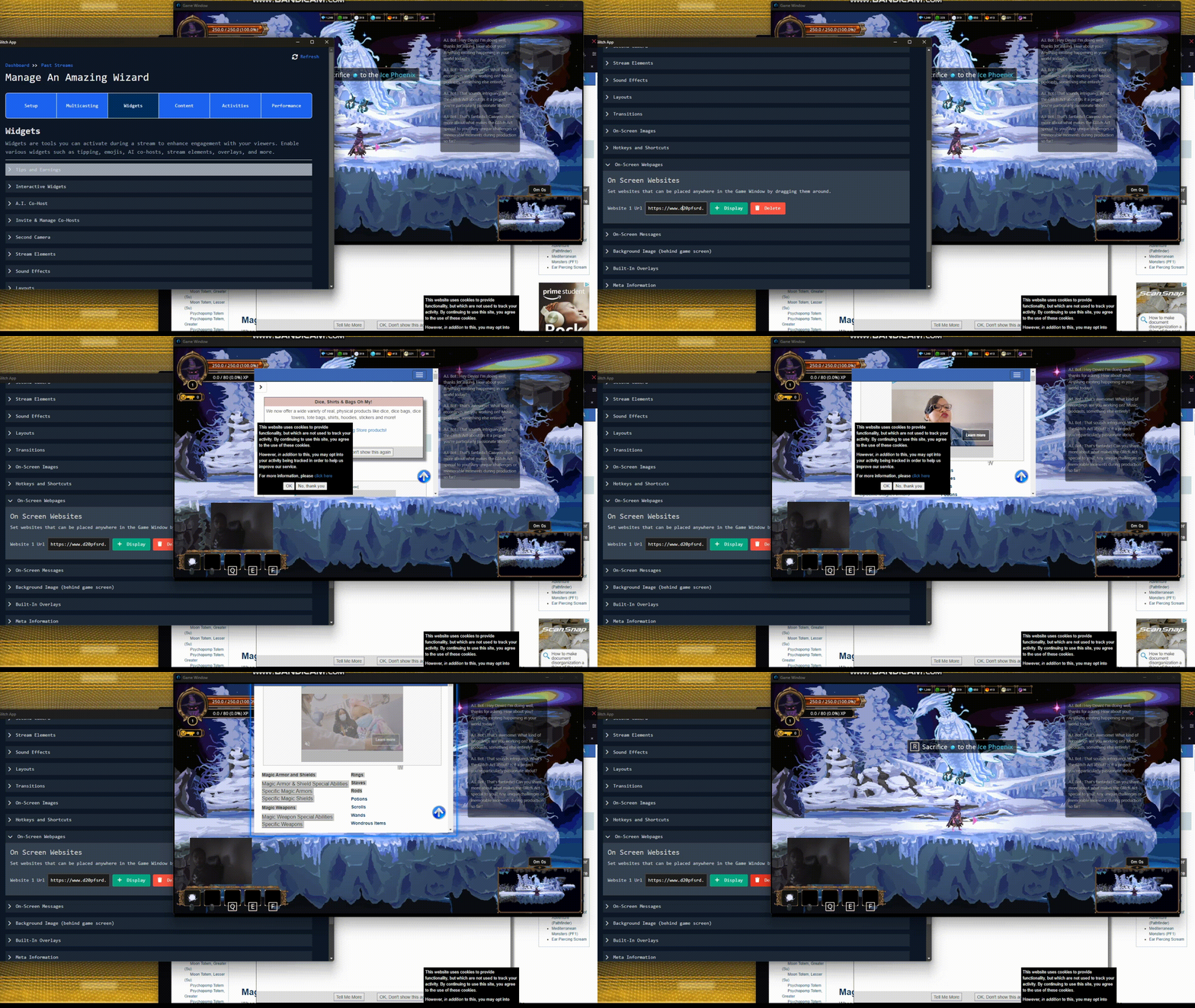
Brand overlays
Bring webpages and graphics on screen
Show a store page, campaign link, logo, or sponsor image directly on top of your capture when the brief calls for a specific call to action.
Clean delivery
Keep campaign-ready versions of the same session
Record your stream with widgets for social publishing and keep a cleaner capture available when you need edits, recaps, or brand review.
Campaign economics
Track the moments that can turn into earnings
Use links, tips, and campaign metrics to understand which streams are attracting viewers, clicks, wishlists, installs, and paid work.
Ready to make the next stream useful?
Download Glitch and keep your creator workflow in one place.
The app is built for gameplay capture, social clips, multistreaming, and campaign work.
Learn More About Creator Opportunities
Download Glitch Gaming Studio
Play Glitch games directly from your desktop, stream them, record sessions, and turn gameplay into clips.
Latest release: checking GitHub latest - Windows and Linux builds are active for this deployment.

Linux
Use AppImage for most desktops, or grab the Debian package for managed installs.